White Rock lost power last Tuesday. When it came back on, you pressed your garage door remote and… nothing. The wall button works. The remote is not dead (the LED lights up). But the door will not respond.
You are not losing your mind. On some older garage door openers, a power outage wipes the remote pairing memory. You need to re-pair every remote and keypad you own.
The good news: it takes about 5 minutes and works the same way on almost every brand.
This guide covers:
- Why this happens (and which openers are affected)
- The universal reset sequence for LiftMaster, Chamberlain, and Genie
- How to re-pair remotes and keypads after the reset
- How to prevent it from happening again (surge protection works)
- When the “memory” issue is actually a different problem
Why Openers Lose Remote Memory
Modern garage door openers store remote pairing information in flash memory that persists across normal power cycles. But two specific scenarios can wipe that memory:
Scenario 1: Voltage spike during restoration
When grid power comes back on after an outage, the voltage can spike for a few milliseconds before stabilizing. On openers made before approximately 2015, that spike can corrupt the memory chip’s pairing data.
Which openers are affected:
- LiftMaster units installed before 2015
- Chamberlain units installed before 2015
- Genie units installed before 2017
- Any opener without built-in surge protection
Scenario 2: Backup battery was exhausted
If your opener has a battery backup and the outage lasted long enough to fully drain the battery, the opener may have executed a protective memory-wipe on full power loss. This is less common but real.
Telltale sign: the opener works fine from the wall button (hardwired), but no remote or keypad responds. Remotes are not broken - they just are not paired anymore.
The Universal Reset Sequence
Before starting, you need:
- Access to the opener unit (on the ceiling)
- Every remote and keypad you want to re-pair
- A small ladder or step stool
- 5 to 10 minutes
Step 1: Clear all existing pairings
This step ensures the opener has a clean memory to work with.
For LiftMaster / Chamberlain:
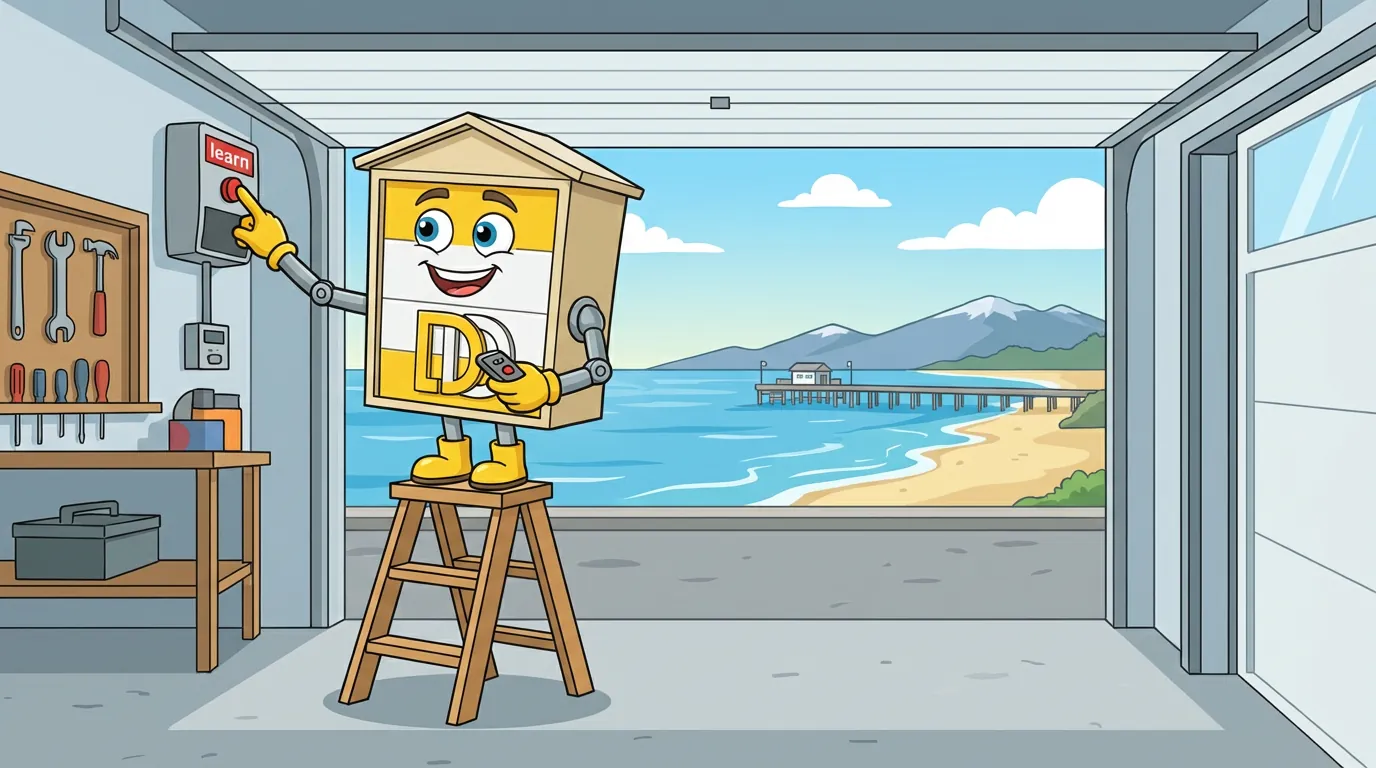
- Locate the “Learn” button on the back of the opener unit (usually yellow, red, green, or purple depending on model year)
- Press and HOLD the Learn button for 6 to 10 seconds
- An indicator LED near the Learn button will turn off, confirming all remotes are cleared
For Genie:
- Locate the “Program” button (usually red or square, on the back of the unit)
- Press and HOLD for 10 seconds
- The opener light will flash or turn off, confirming the clear
Step 2: Re-pair the first remote
For LiftMaster / Chamberlain:
- Press and RELEASE the Learn button (single quick press)
- The Learn LED will glow solid for ~30 seconds
- While the LED is solid, press and hold the button you want to use on your remote
- The opener light will flash (or the opener will click) confirming pairing
- Release the remote button
For Genie:
- Press and RELEASE the Program button
- The Program LED will blink
- Press and hold the remote button you want to use
- The opener will click or light will flash
- Release the remote button
Step 3: Test the remote
Press the paired button on the remote from outside the garage. Door should respond.
Step 4: Repeat for every other remote and keypad
For each additional remote or keypad, repeat Step 2. The opener learns one button at a time.
Important: you have about 30 seconds per Learn/Program activation before the opener times out. If you run out of time, just press the Learn/Program button again to re-enter pairing mode.
Step 5 (Keypads only): Set a new entry code
External wireless keypads require an entry code in addition to being paired to the opener.
- Enter pairing mode (Step 2)
- On the keypad, enter your desired 4-digit code and press Enter
- Opener will flash/click confirming pairing
- Test the keypad from outside with the code
When the Problem Is Not Memory Loss
Sometimes a remote stops working after an outage and it looks like memory loss, but the cause is different.
| Symptom | Likely cause | Fix |
|---|---|---|
| All remotes dead, wall button works | Memory loss (this guide) | Re-pair everything |
| One specific remote dead, others work | Remote battery or button wear | Replace battery or remote |
| Wall button and remotes all dead | Opener unpowered or motor fault | Check breaker, check outlet, call technician |
| Keypad dead, remotes work | Keypad battery or paired code wiped | Replace keypad battery or re-pair |
| Remotes only work from close range | Antenna issue on opener | Technician call |
Diagnostic tip: if the wall button inside the garage still operates the door, the opener itself is healthy. The problem is with remote pairing or remote batteries, both of which are quick fixes.
Surge Protection: The Prevention
White Rock’s aerial service neighbourhoods (most of the town east of Johnston Road) see more voltage spikes than underground-service areas. If you have had remote memory wiped by an outage more than once, install a surge protector.
Options
| Type | Cost | Protection | Best for |
|---|---|---|---|
| Plug-in surge protector for opener outlet | $30-$80 | Opener only | Easy DIY, targeted |
| Whole-house surge protector (at breaker panel) | $350-$700 installed | All devices | Best long-term solution |
| Combined (whole-house + plug-in) | $400-$800 | Redundant, highest protection | Coastal areas |
For most White Rock homes: a plug-in surge protector rated for at least 1500 Joules, installed at the opener’s ceiling outlet, is the simplest effective fix. Takes 30 seconds, lasts years, prevents most memory-loss events.
If you’ve had multiple electrical issues (not just the opener), a whole-house surge protector at the breaker panel is worth the investment. That’s an electrician visit, not a garage door service, but we can refer a trusted one.
When to Upgrade the Opener
If your opener loses memory after every outage, even with surge protection installed, it is time to replace the unit. Modern openers (2018+) have:
- Non-volatile memory that survives power events
- Built-in surge protection on the power input
- Battery backup that maintains function through outages
- Rolling code encryption that prevents the various vulnerabilities of older fixed-code systems
A new belt-drive opener with battery backup in White Rock runs $700 to $950 installed. If your current unit is 10+ years old and has started losing memory, replacement is often a better value than keeping the old one on surge-protection life support.
White Rock Specifics
Coastal air and electronics
White Rock’s coastal location means more salt air exposure than most of the Lower Mainland. Electronics in uninsulated garages corrode faster, and corroded electronics are more susceptible to power-event damage.
Signs your opener electronics are aging:
- Memory loss after outages (this post)
- Intermittent failure to respond to remotes
- Opener light stays on or flickers inconsistently
- Unexpected reversals during close cycles
Any one of those is within normal wear. Two or more at the same time often means the logic board is degrading and replacement is imminent.
Frequent outage history
White Rock’s eastern and upland neighbourhoods lose power 3 to 6 times per year on average, with annual events lasting 4 to 12 hours in winter storms. Any opener without surge protection will eventually lose memory in that environment.
If you are in one of these areas, surge protection plus a battery backup opener is effectively standard equipment.
Bottom Line
Power outages can wipe remote memory on older garage door openers. Re-pairing takes 5 minutes, works the same on almost every brand, and surge protection prevents it from happening again.
Your action plan:
- Try the wall button first (if it works, it’s a pairing issue)
- Clear all pairings with a long-press on Learn/Program button
- Re-pair each remote and keypad one at a time
- Install a plug-in surge protector at the opener outlet ($30-$80)
- If memory loss recurs after surge protection, schedule an opener replacement
If the re-pair sequence does not work, or your opener is 10+ years old and showing multiple issues, book a service call. A 30-minute visit diagnoses whether it is worth repairing or replacing.
We handle garage door opener troubleshooting and replacement across White Rock and South Surrey.